Links · Apps · Notes
Your links and apps, pinned to a board.
Pin the links, apps and notes you use every day as bright tiles, and open any of them with one tap.
- No ads
- No accounts
- No subscriptions


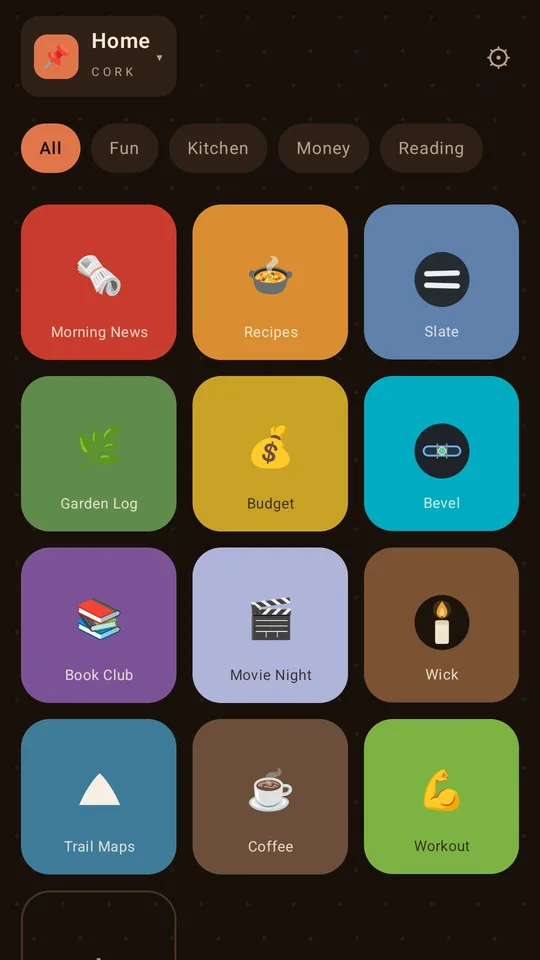
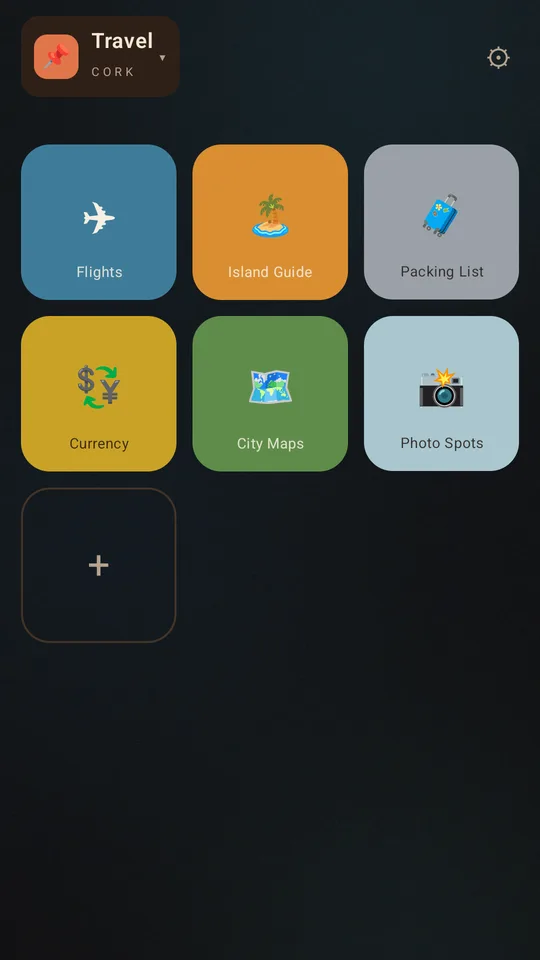
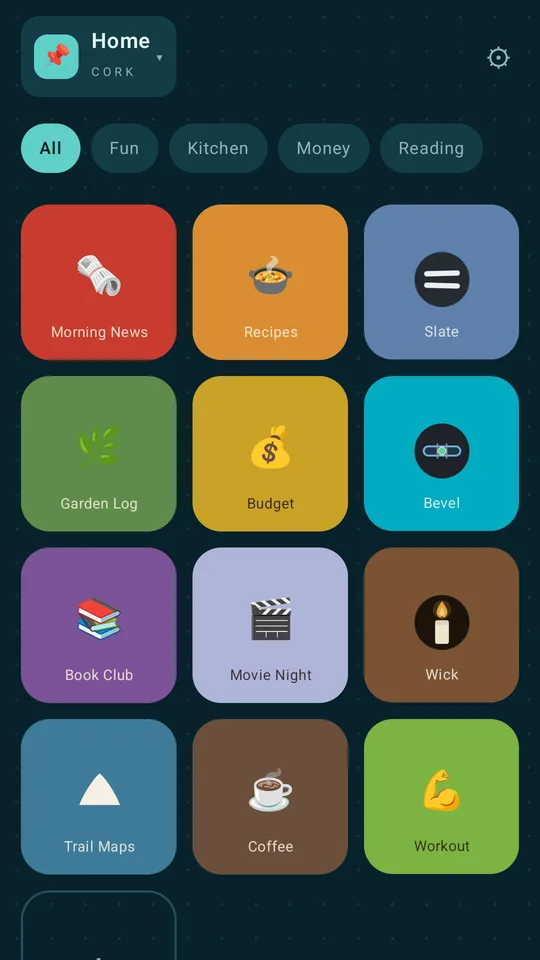
pin it,
open it,
sort it.
At a glance
What Cork is for
Three jobs it does for you all day.
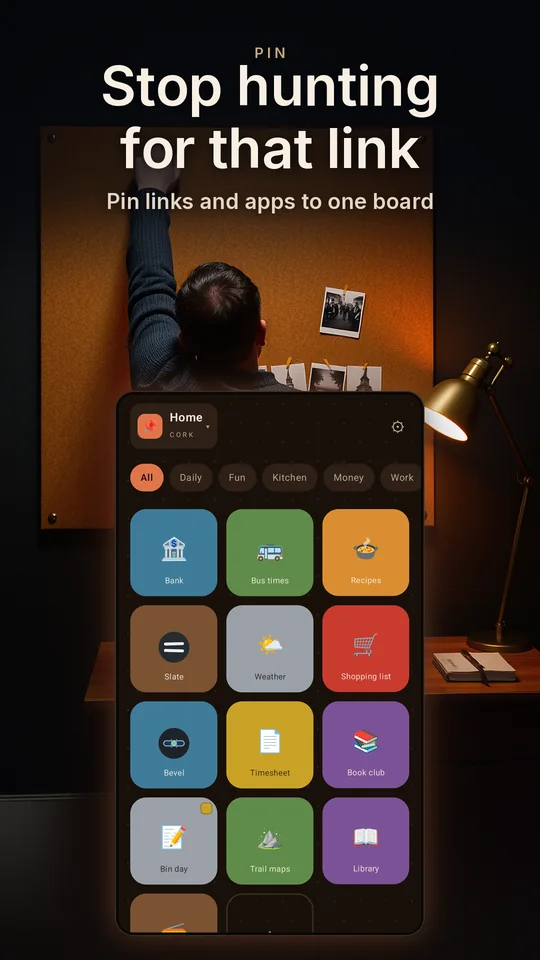
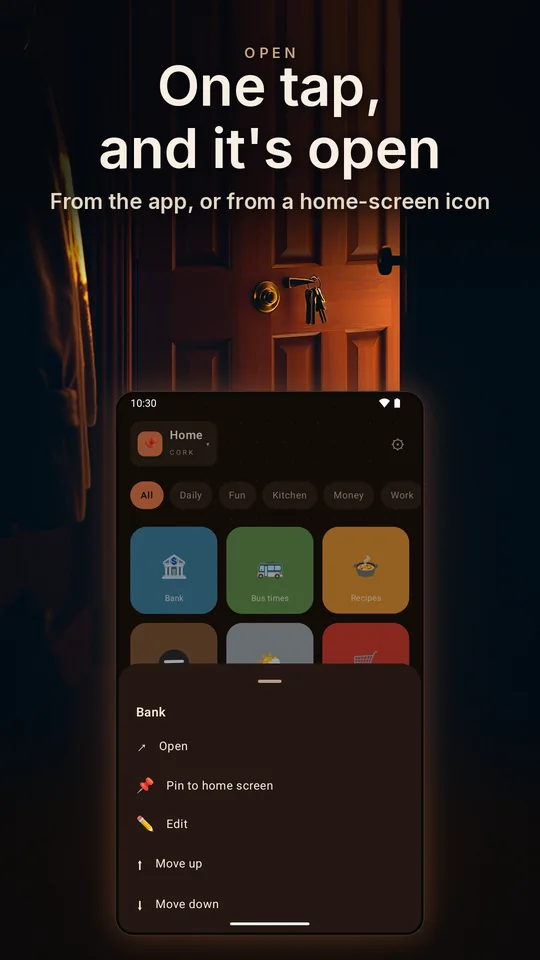
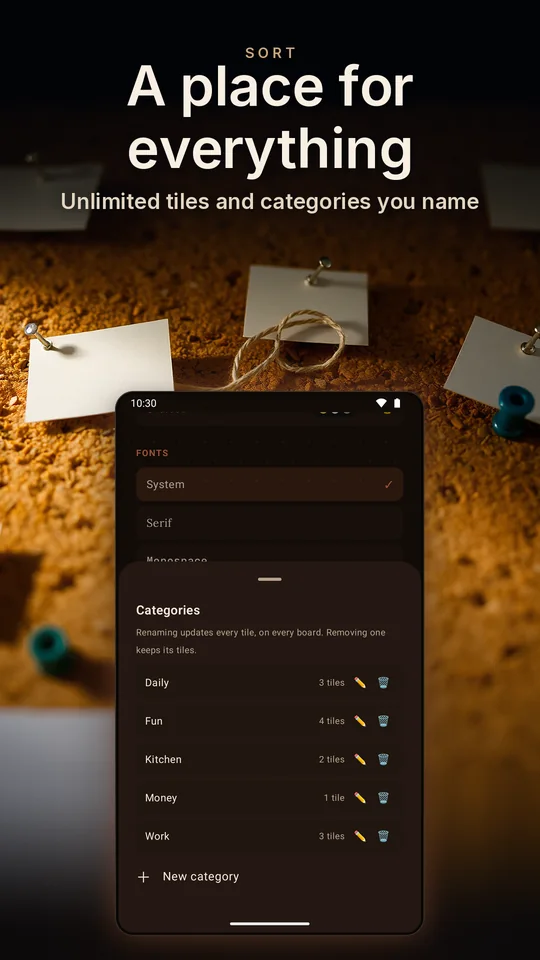
Backgrounds are illustrations; the phone screens are the real app.
How it works
Pin it. Open it. Sort it.
-
Pin it
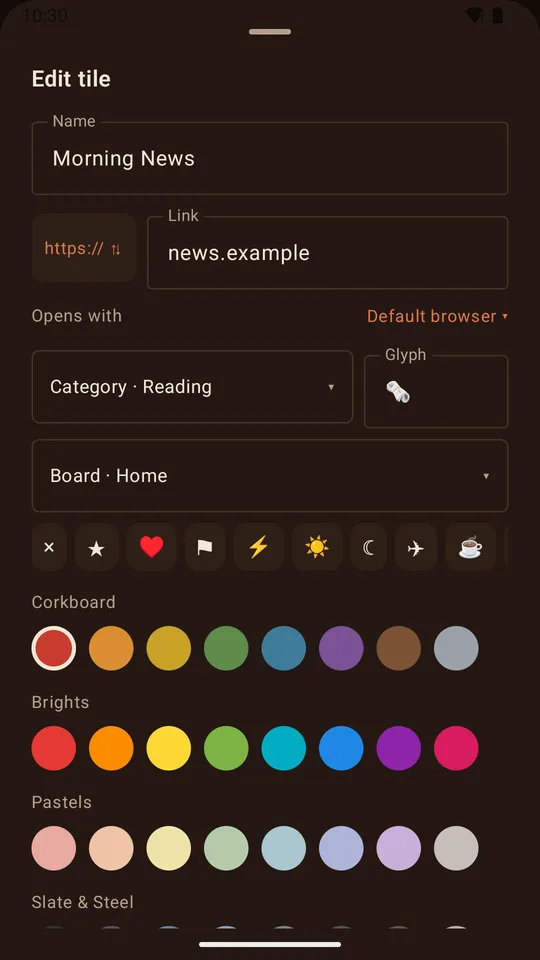
Type a link, pick an app or write a note, or on Android share a page to Cork from any browser. It lands on the board as a tile with a colour, a symbol or the app's real icon.
-
Open it
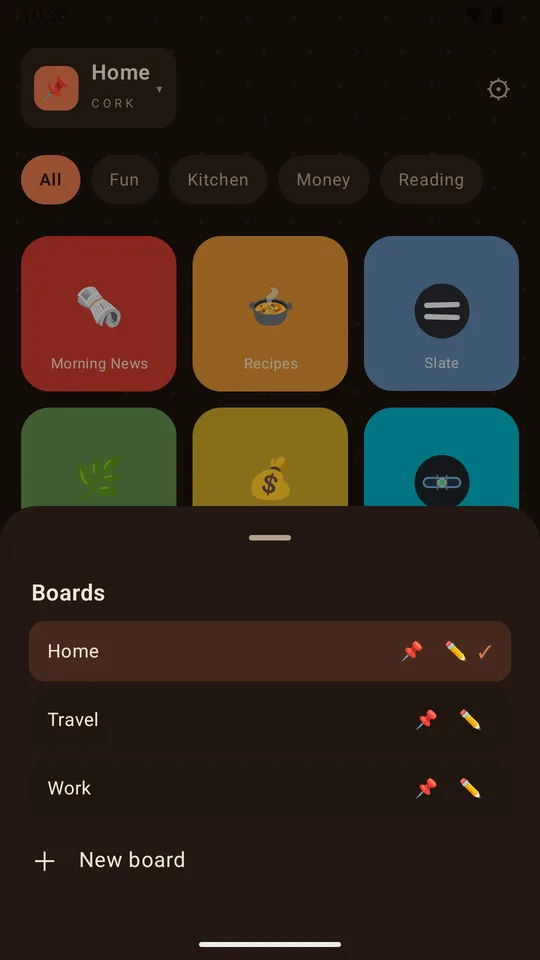
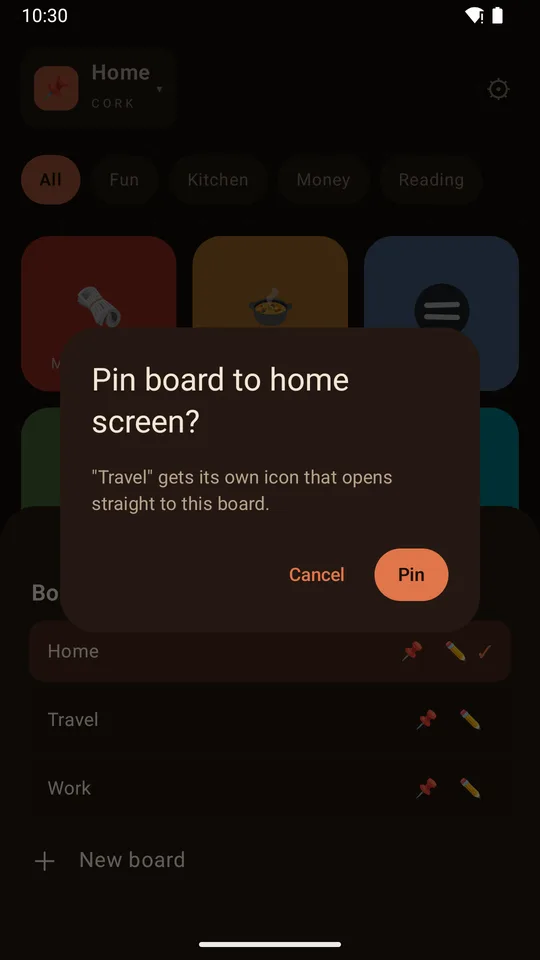
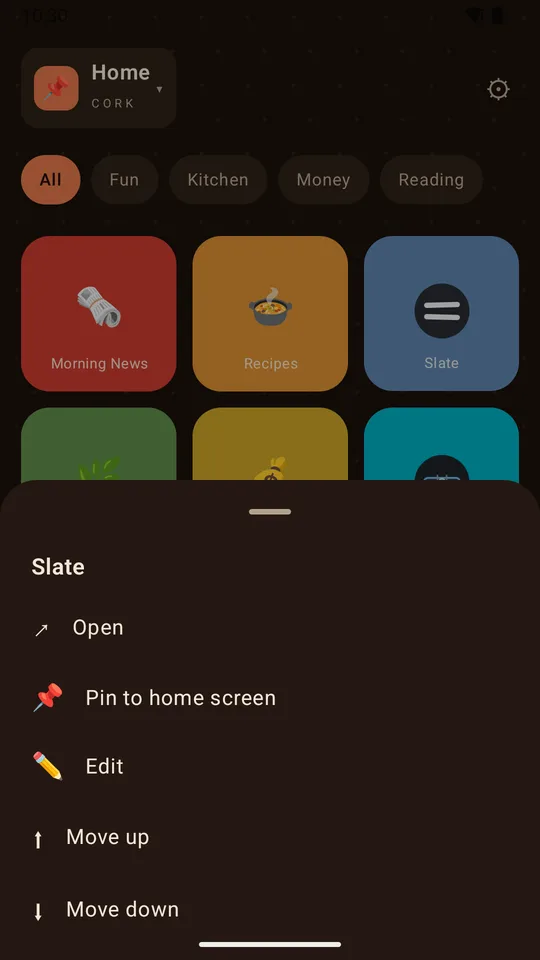
One tap on a tile and it opens. On Android, long-press a tile to put it on your home screen as its own icon, or pin a whole board from the board list.
-
Sort it
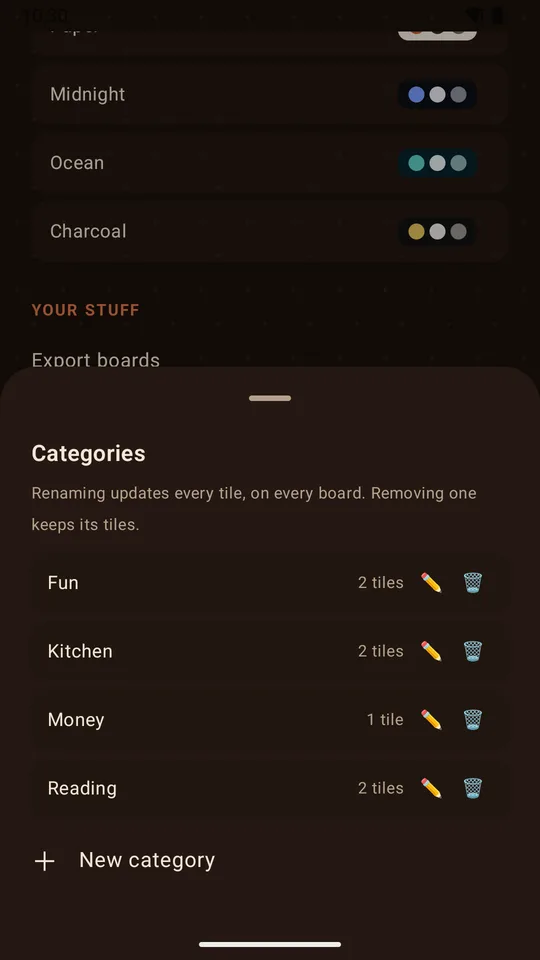
Category chips filter the board with one tap. Name a category once, and renaming it later updates every tile.
Tap a category, a tile, or the plus. A sketch of a Cork board that your browser draws, in the app's own colours.
Free, and not a demo
A whole board, free for good
One full board with no tile limit, no trial and no timer. Everything on these notes is free.
Unlimited tiles and categories
Pin every link and app you like, reorder them any time, and sort them with categories you name.
Notes that carry things
A tile can be a note with its own paper colour. Attach photos, PDFs and documents, up to eight per note.
Make it look like yours
Eight tile colours, symbols, any emoji or the app's real icon, a backdrop for the board, and your own typeface and text size.
Right on your home screen
On Android, any tile or the whole board becomes a home-screen icon. Tap the board's icon and Cork opens straight to it.
Share to Cork
Found a page worth keeping? On Android, share it to Cork from your browser and it lands on the board as a tile.
An export you can read
Every board and tile in one plain-text file you keep. Import merges, and nothing gets deleted.
The real app
Pinned up: eight screens from Cork
Captured from the app on an Android phone.
Thirty seconds
Cork in half a minute
The presenter is AI-generated; everything on the phone is the real app. Watch on YouTube
Cork Pro
More boards, and a widget for each
Cork Pro puts your boards on the home screen as widgets, and opens up the rest of the looks. One purchase inside the app.
Cork Free
- Unlimited tiles and categories
- Notes with photos and files
- One full board, with its own backdrop
- Home-screen icons for tiles and boards, on Android
- Export and import, plus share-in on Android
- The Corkboard skin and its eight colours
Cork Pro One purchase
- Home-screen widgets, each showing the board you choose
- Up to seven boards, each with its own name and backdrop
- Pick the browser for each link, on Android
- Six more skins: Chalkboard, Blueprint, Paper, Midnight, Ocean and Charcoal
- Three more palettes: Brights, Pastels, and Slate & Steel
A single purchase through the store you installed Cork from, restored on any device signed in to the same store account. Nothing renews and there is nothing to cancel. Pay once, own it forever.
Get Cork
On Google Play, and on iPhone through TestFlight. The free board is yours from the first tap, and Cork Pro is one purchase inside the app.
Cork keeps your boards on your device, with no account and nothing to sign in to. We receive anonymous usage stats. Read the privacy page