Open more apps from Cork on iPhone
A one-minute setup with Apple's Shortcuts app, shown here with Brume, one of our apps.
Cork opens some apps straight from a tile. For other apps, set up a shortcut once in Apple's Shortcuts app, and after that the tile opens the app. It takes about a minute, and it's in Cork 2.6 and later.
On Android there's nothing to set up: Cork opens installed apps directly.
Set it up
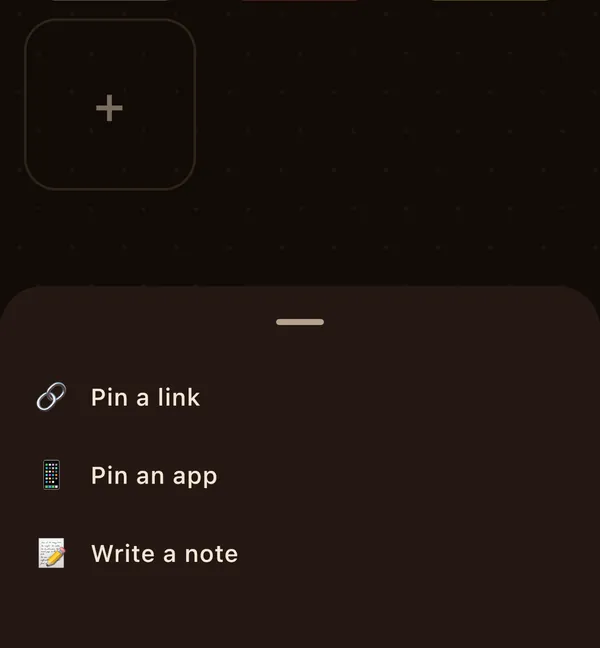
In Cork, tap the + card, then Pin an app.
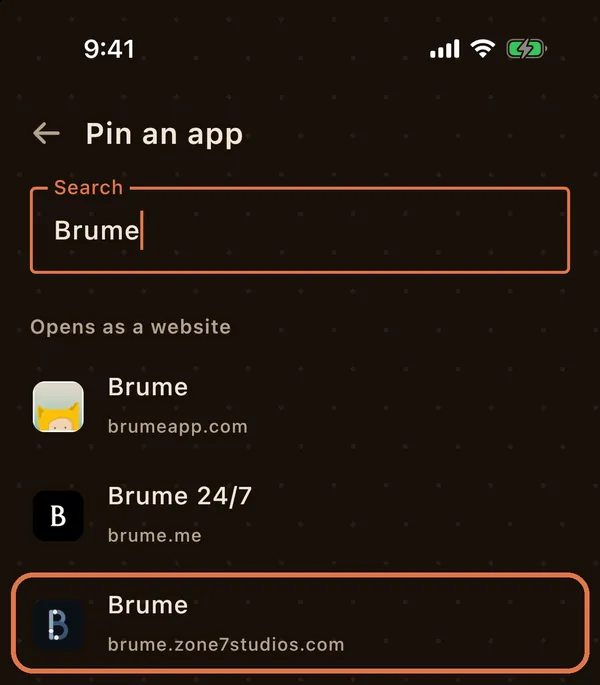
Search for the app and tap it. For Brume, it's the one from brume.zone7studios.com.
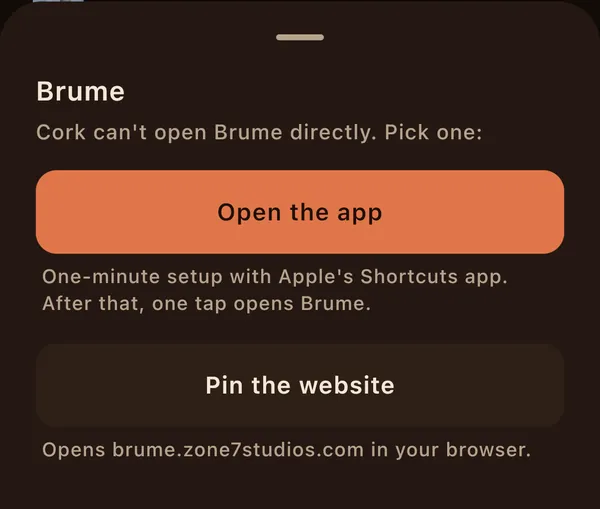
Cork can't open Brume directly, so it gives you two choices. Tap Open the app.
Tap Copy name, then Open Shortcuts. The name is “Cork:” and the app's name.
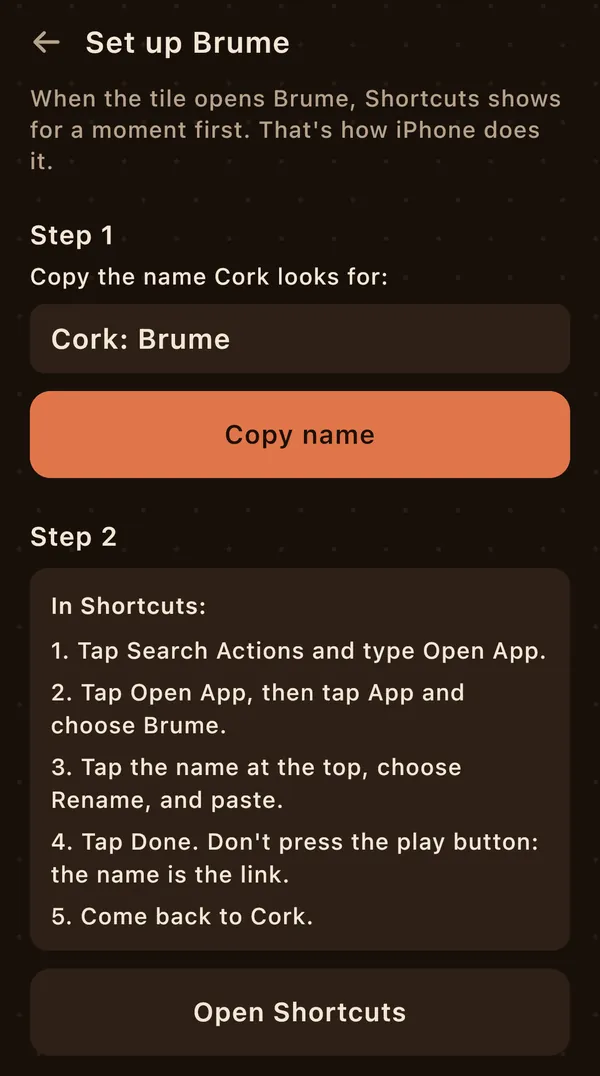
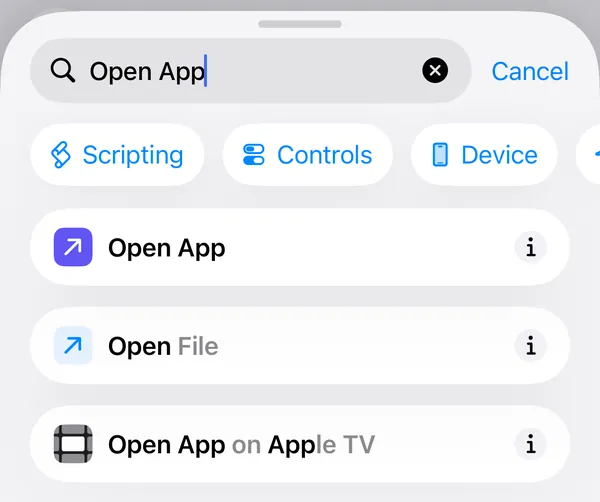
In Shortcuts, tap Search Actions, type Open App, then tap Open App.
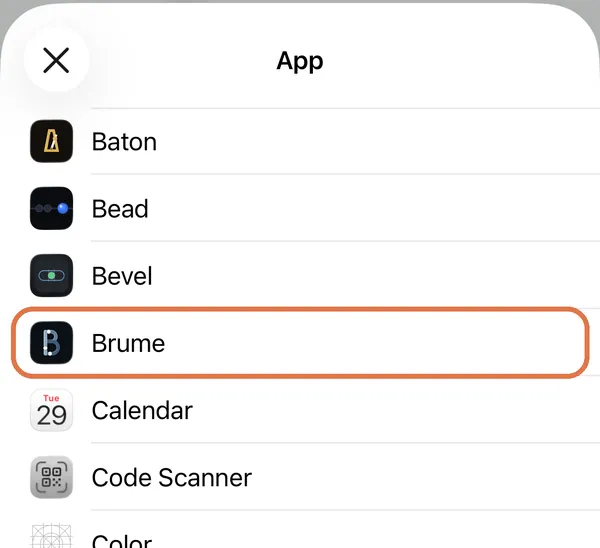
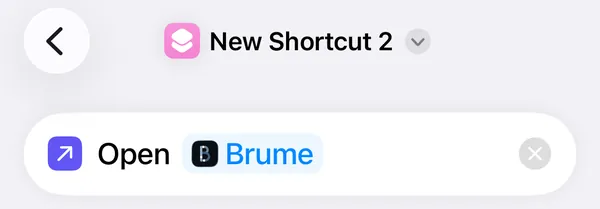
Tap App and choose Brume. The action now reads Open Brume.
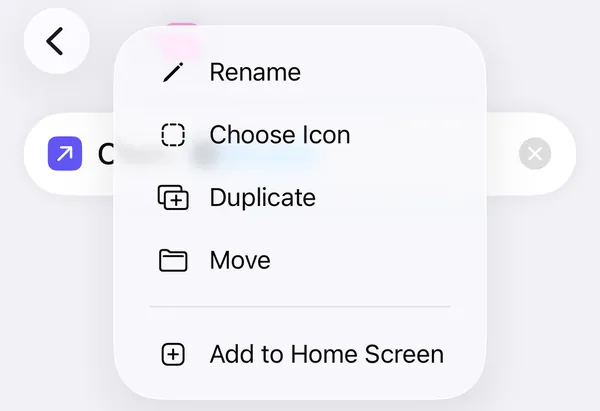
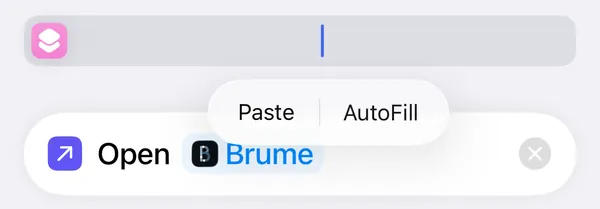
Tap the shortcut's name at the top and choose Rename. Tap the empty name, then Paste.
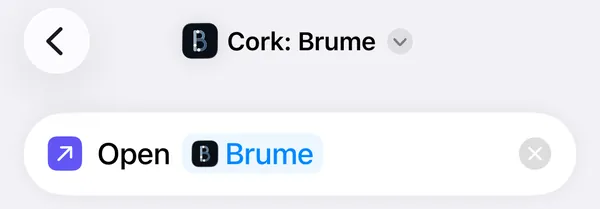
It now reads “Cork: Brume”. Tap the back arrow at the top left to save it (some iPhones show Done). Don't press the play button.
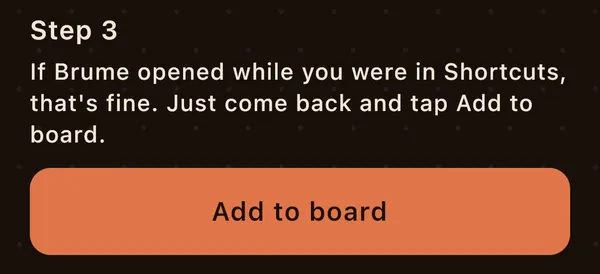
Go back to Cork. Step 3 is waiting: tap Add to board.
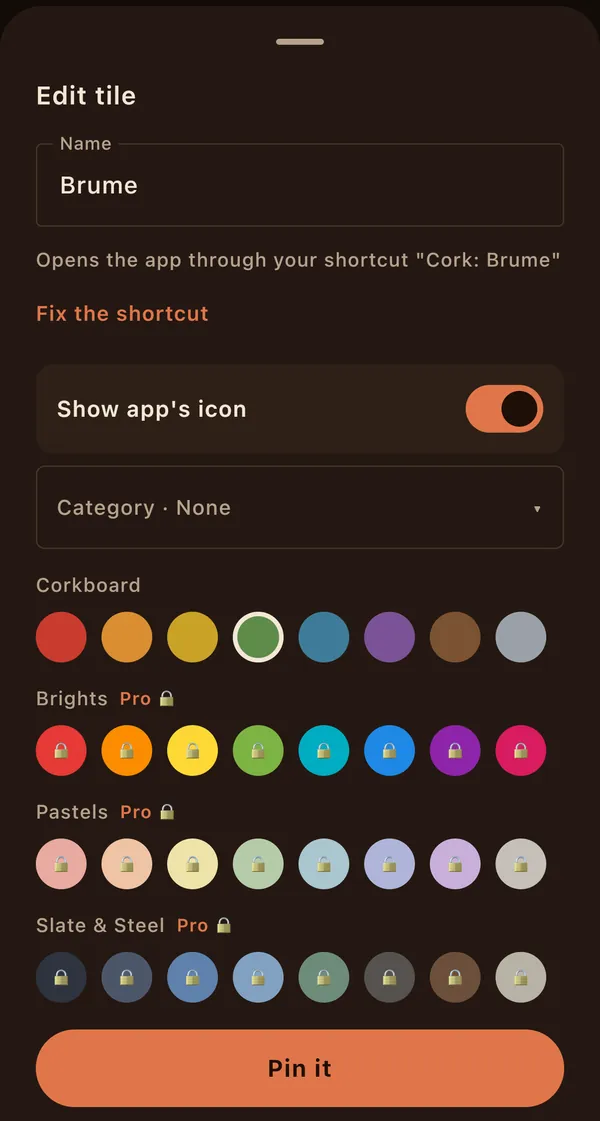
Pick a colour if you like, then tap Pin it.
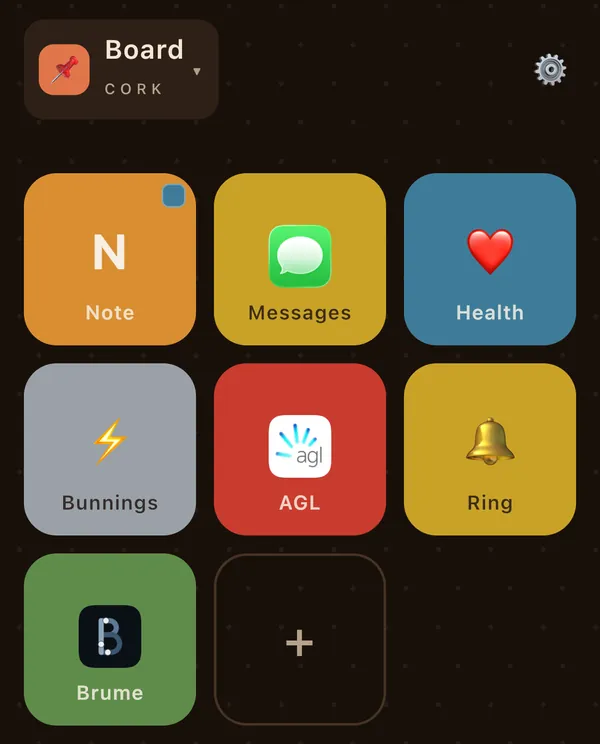
Brume is on your board. Tap the tile.
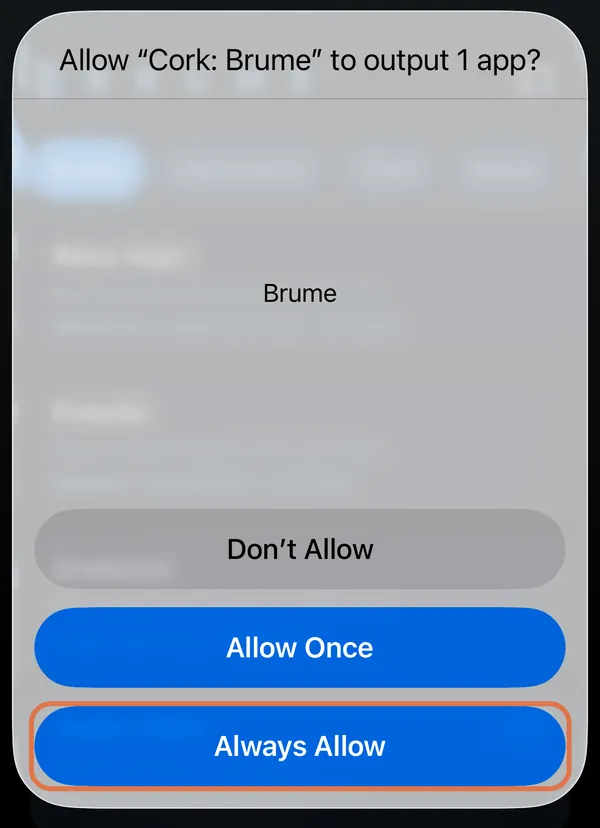
The first tapThe first time, iPhone asks permission: Allow “Cork: Brume” to output 1 app?
Tap Always Allow so it doesn't ask again. If you tap Allow Once, it asks again next time.
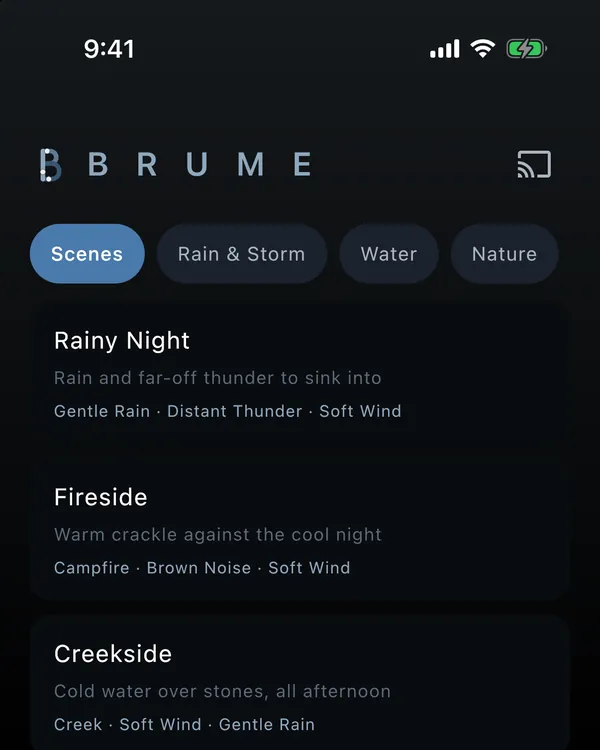
Brume opens. From now on, one tap on the tile opens it.
Shortcuts shows for a moment before the app opens. That's how iPhone does it.
If it stops working
If you rename or delete the shortcut in Shortcuts, tapping the tile shows a sheet: “Cork couldn't find the shortcut”. Tap Use a different name, type the shortcut's name exactly as it is in Shortcuts, and tap Use this name. Or tap Open Shortcuts and make it again.
You can open that sheet any time: long-press the tile, tap Edit, then Fix the shortcut.
Rather not use Shortcuts? Tap Pin the website in step 3 instead, and the tile opens the app's website in your browser.
Still stuck?
Email us at cork@zone7studios.com and tell us which app. The support page has more help.